
Podcast
Adding/Editing Episodes
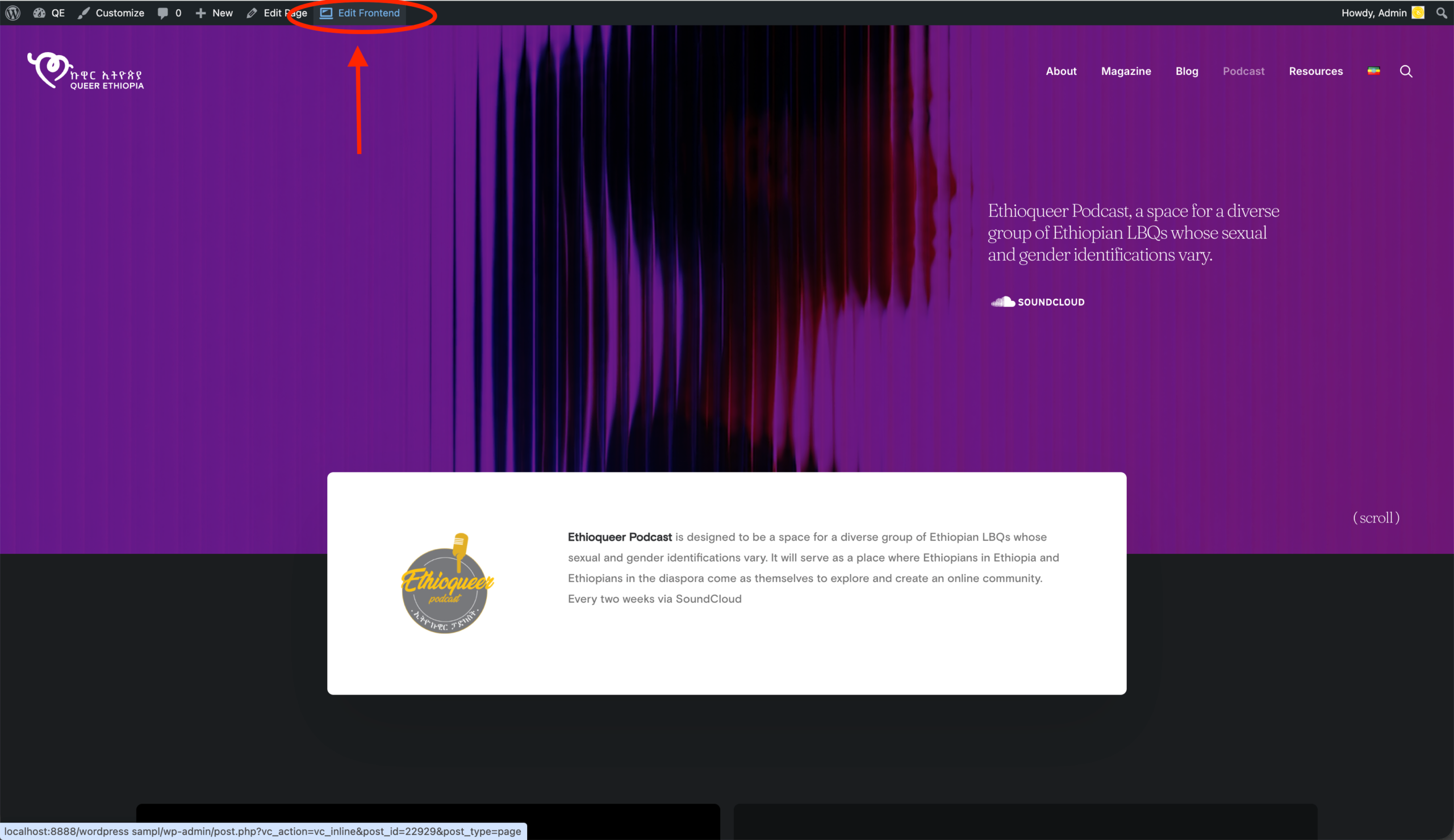
- While you are logged into the backend of the website with your Admin credentials, go to the front and open the Podcast page.
- On the top of the page you’ll see Edit frontend on the top black bar.
- Scroll down to the podcast you want to edit and click on it
Editing:
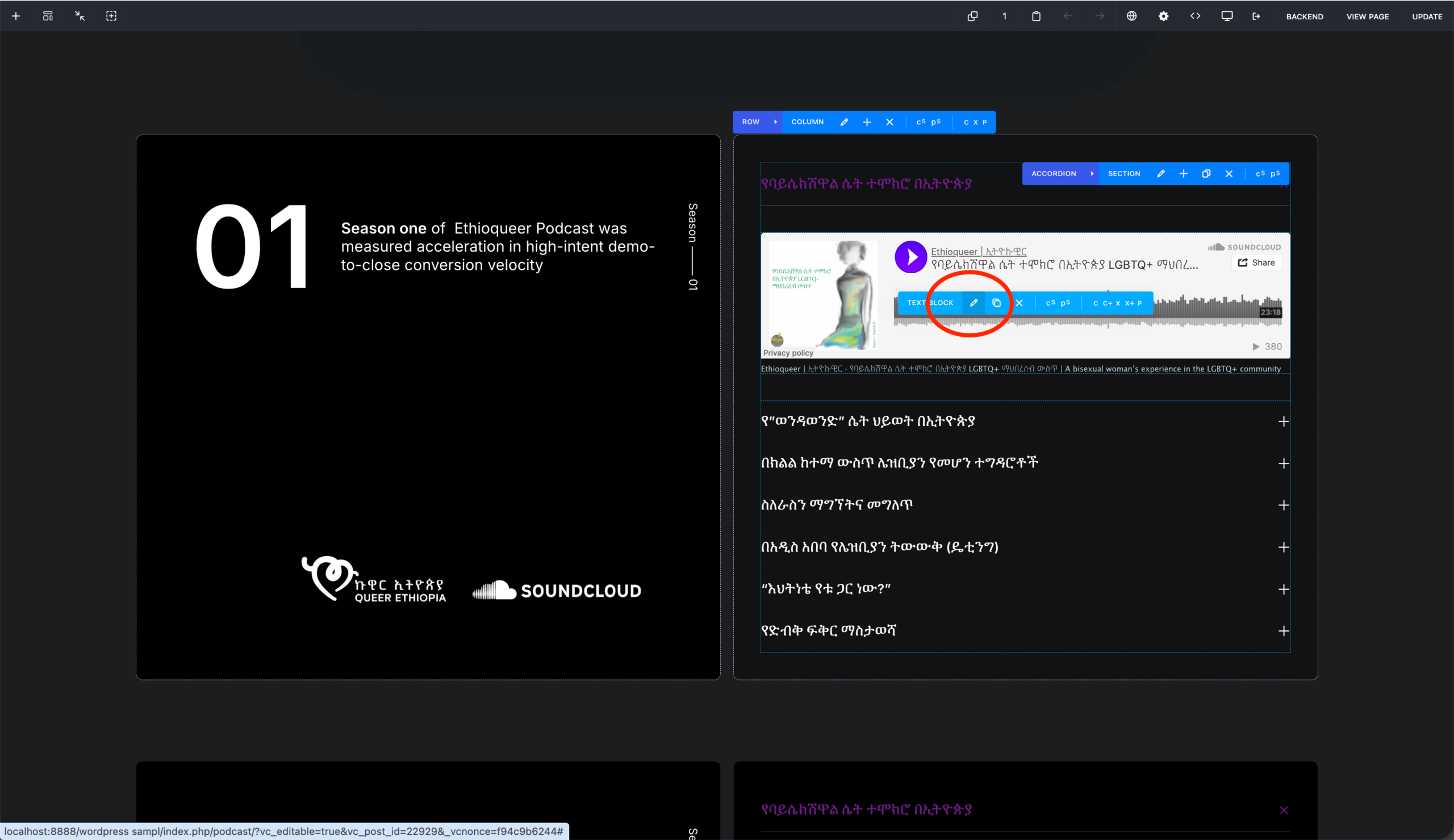
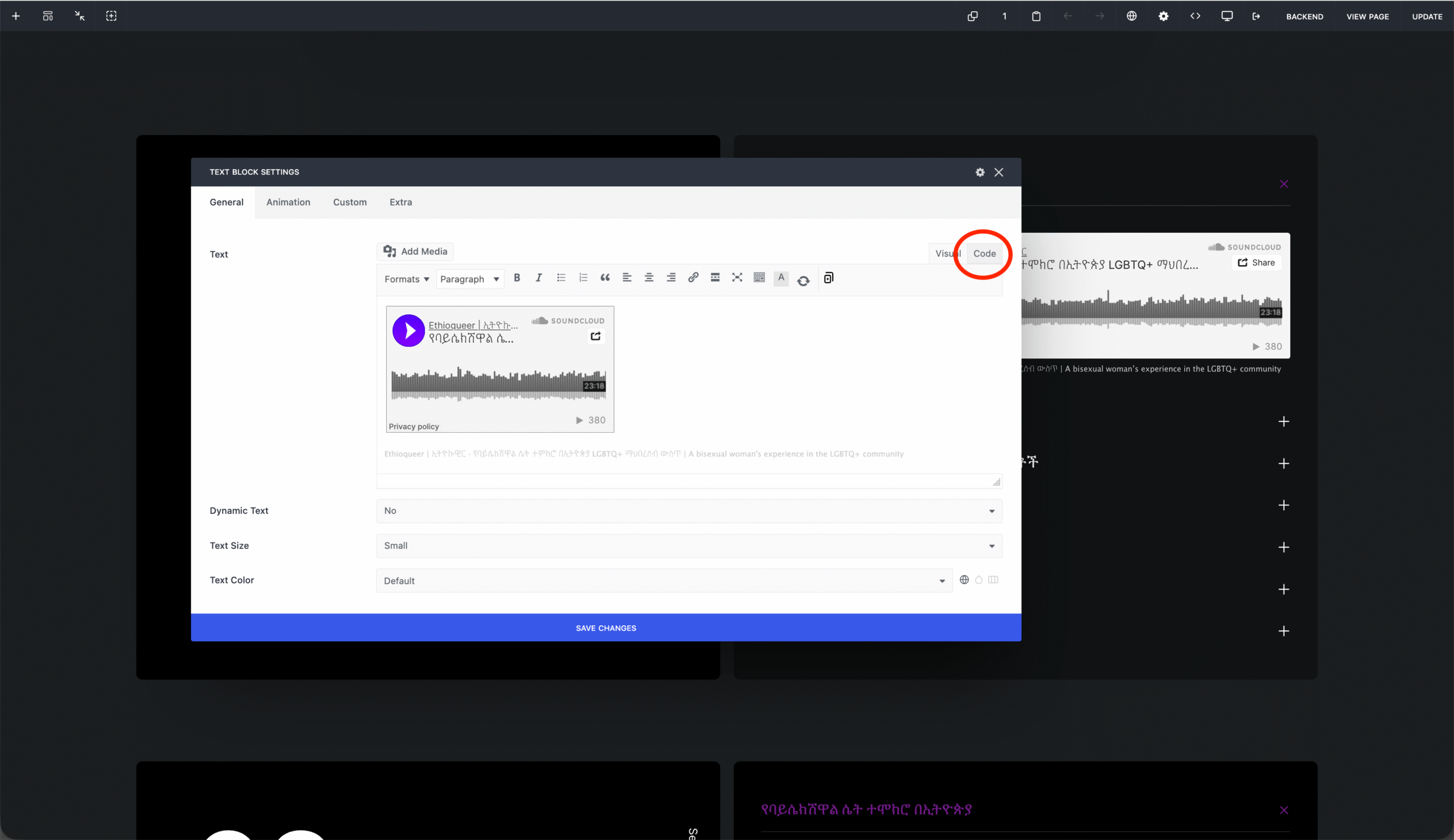
- Hover on the soundcloud thumbnail and you will see a blue bar that reads “Text block” and has icons on it, click on the Pen/edit icon.
- The edit panel will open where you can replace the podcast embedded here
- on the top right of the editing panel, click on Code
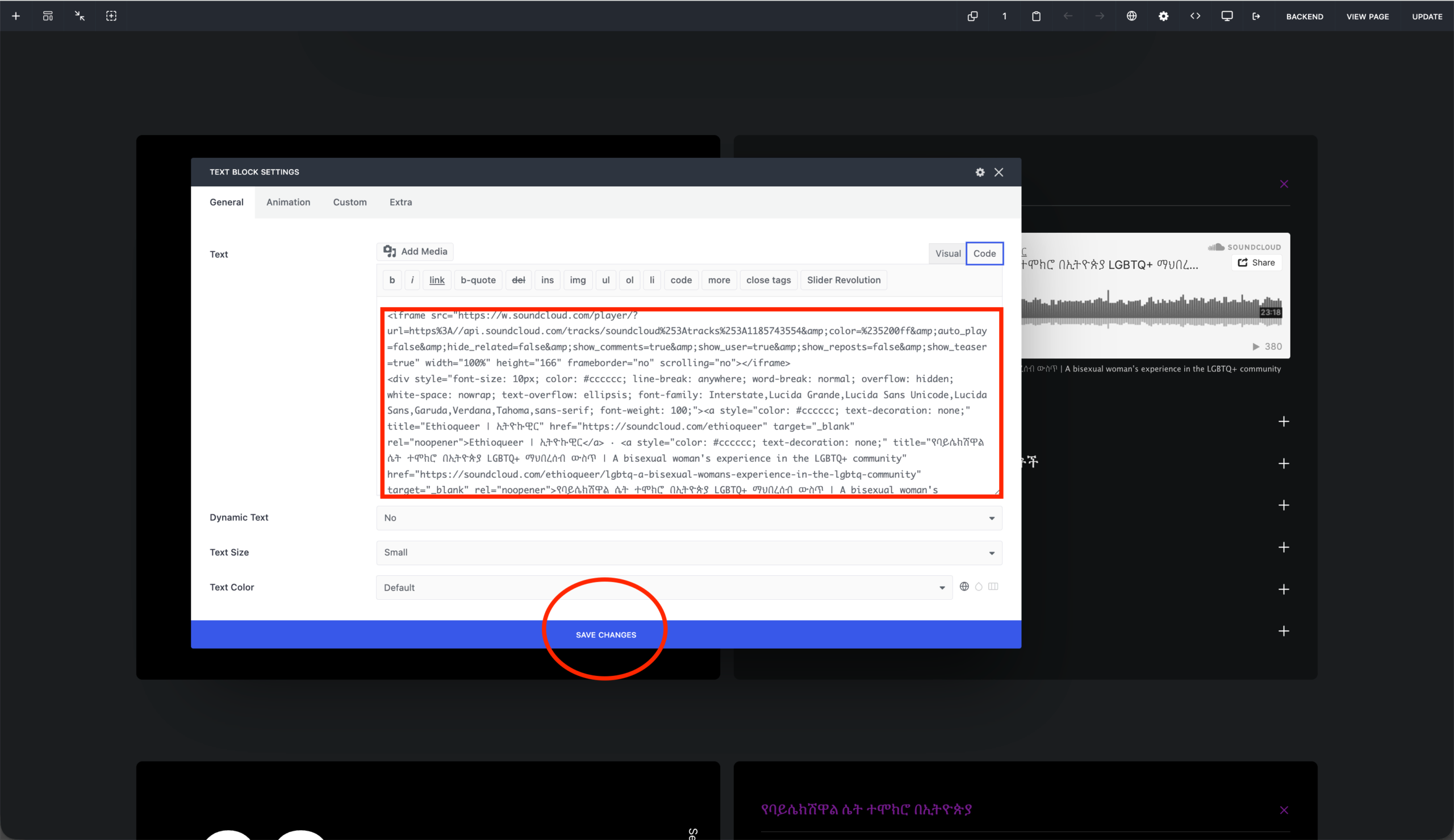
- Here you’ll find the embed code of the souncloud podcast.
- delete all of it and replace your own embed code from Soundcloud instead.
- Click Save changes and you are done.
Adding/ duplicating
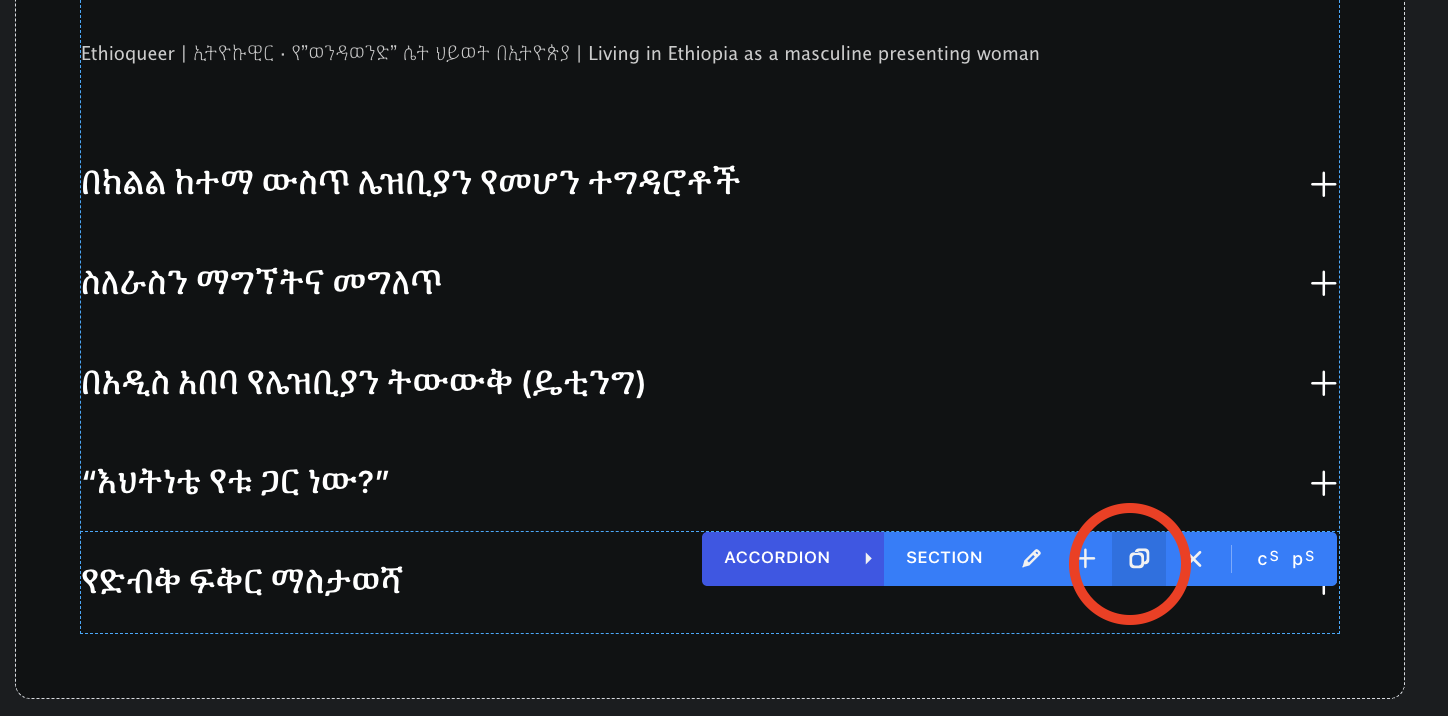
- while you hover on a podcast title, you will see a dupicate icon next ti edit button on the blue bar.
- Click on the duplicate button and make tht changes on the title and contents as described above.
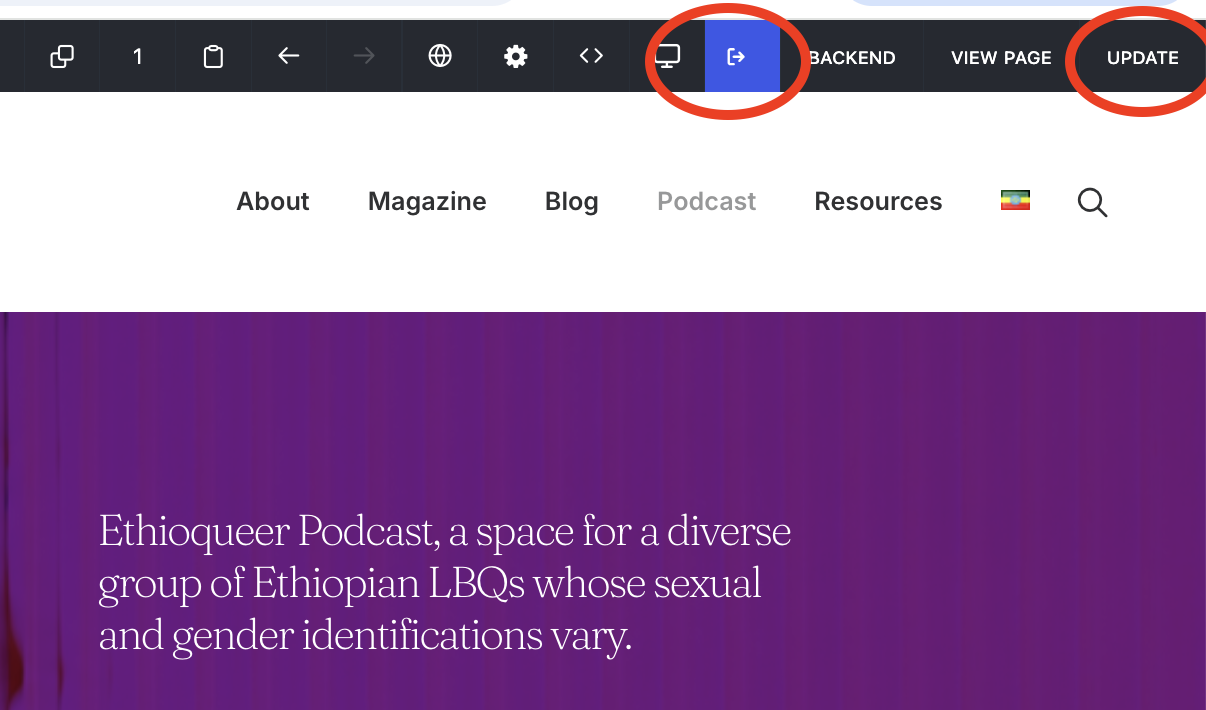
- If you are sure of the changes you made , go to the top right corner of your browser where you’ll find Update button to update and exit by clicking on the fourth icon from the right if you’re done.
Podcast
Adding / Editing Seasons
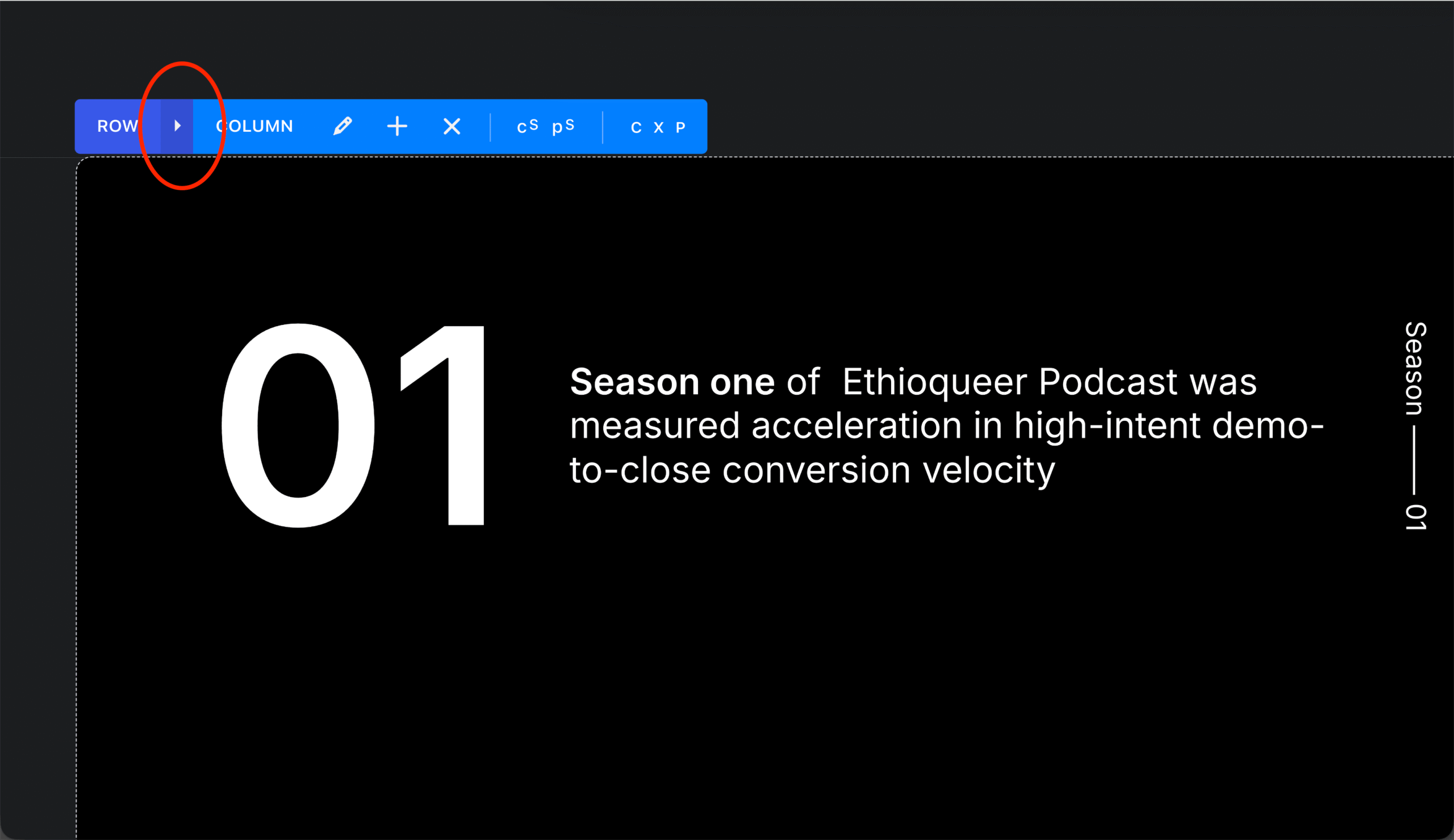
- Adding seasons is just like adding podcast episodes, hover on the top edge of the podcast block to bring out the blue bar shown on the first slide. Click on the expand icon to open the row settings
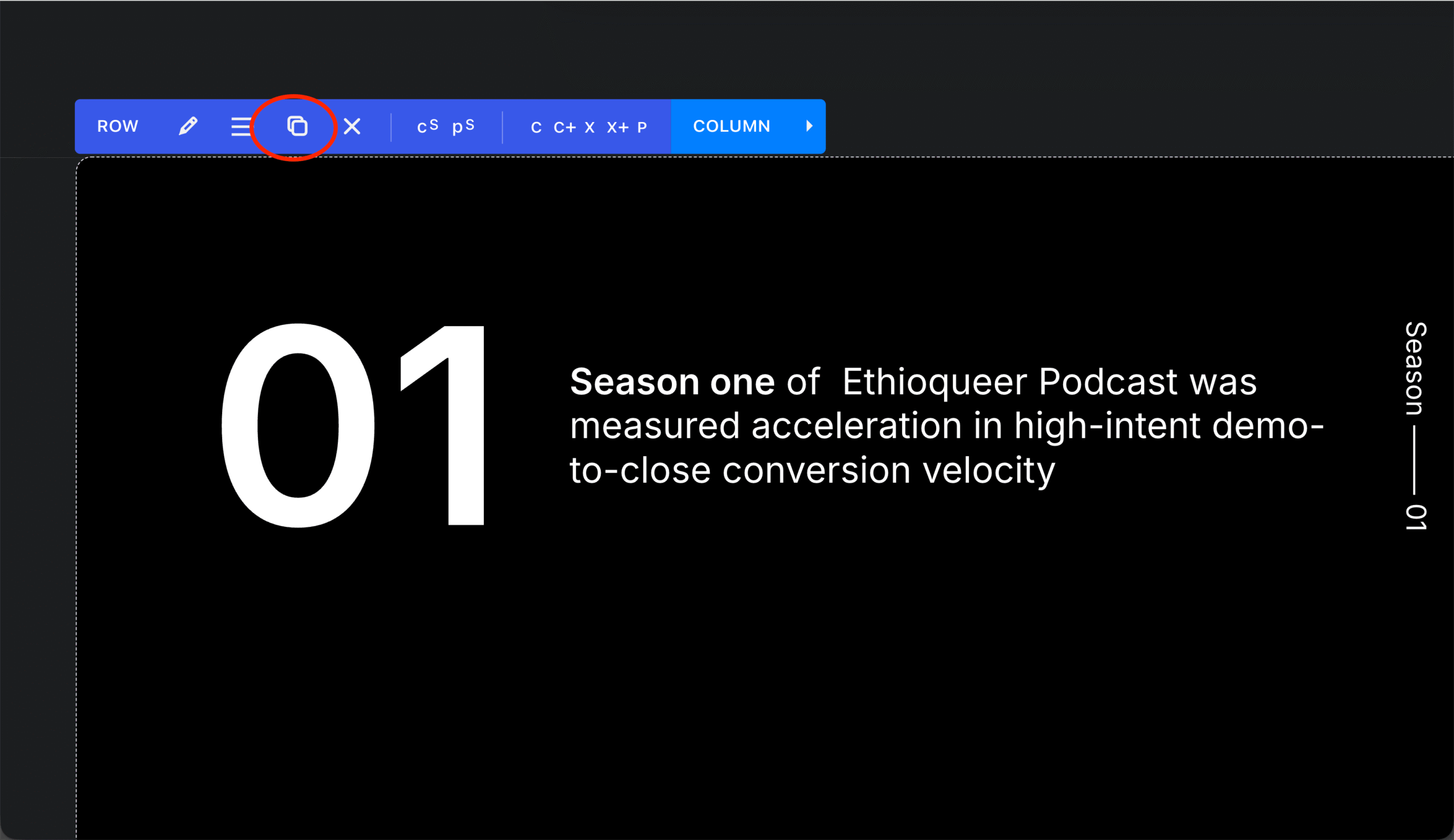
- Click on the third icon from the left
- Now the whole season is duplicated and placed right under this season.
- Hover over the elemnts and modify the content as you want.
- Click Update on the top of the menu when finished